
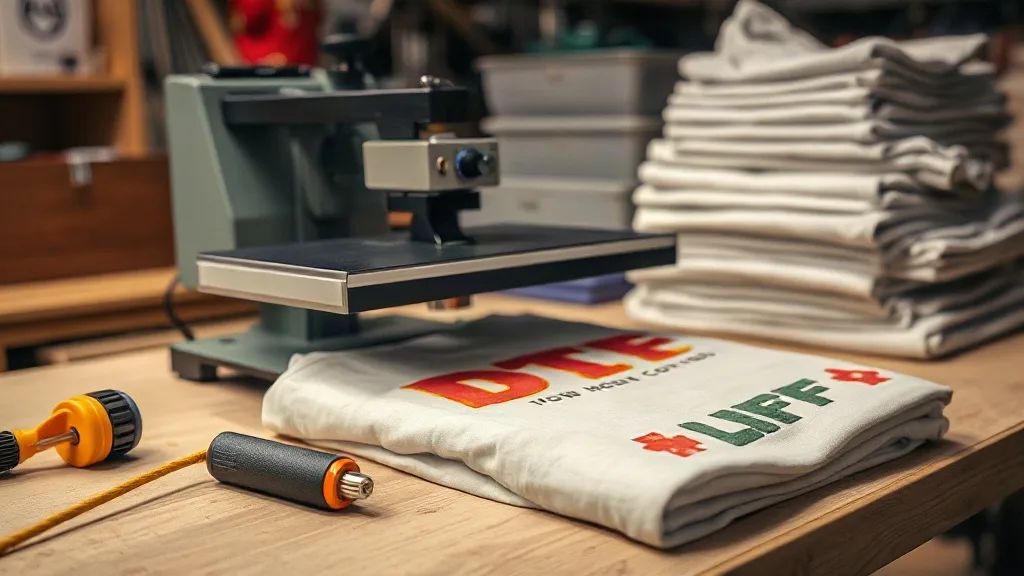
You have probably heard that dtf transfers work on almost any fabric. That is true. But "work" and "work beautifully" are two different things, especially when you are pressing onto 100% cotton. Cotton is the backbone of the custom apparel world, and it has a personality of its own under a heat press. If you treat it like polyester, you will get cracking, peeling, or a finish that feels like sandpaper. Treat it right, and you get a soft, durable print that customers actually want to wear.
This guide is for the shop owner, the side-hustle printer, and the team parent who just bought a press and a stack of cotton tees. We will walk through what makes cotton different, how to prep it, how to press it, and how to avoid the mistakes that cost you blanks and time.
Why Cotton Behaves Differently Under a DTF Transfer
Cotton is a natural fiber with a lot of texture. Under a microscope, each fiber looks like a flattened, twisted ribbon. Those twists create millions of tiny pockets and ridges across the surface of the fabric. When you press a dtf transfer onto cotton, the thermoplastic adhesive has to flow into those pockets and grab hold. On a smooth polyester surface, the adhesive sits on top and bonds quickly. On cotton, it has to work harder to anchor itself.
That texture is also why cotton feels softer and breathes better than synthetic fabrics. The same qualities that make it comfortable to wear make it slightly more demanding to print on. The good news is that modern DTF powders and films are formulated to handle cotton well. You just need to give them the right conditions.
The Moisture Factor
Cotton absorbs moisture from the air. A shirt that has been sitting in a humid stockroom or a damp garage can hold enough water to interfere with adhesion. When the press heats a damp shirt, that moisture turns to steam and tries to escape through the adhesive layer. The result is bubbles, poor bonding, or a print that lifts at the edges after the first wash. Always store your blanks in a dry place, and if you are in a humid climate, give them a quick pre-press to drive off surface moisture before you lay down the transfer.
Heat Sensitivity and Scorching
Cotton can take more heat than polyester without dye migration issues, but it is not indestructible. Leave a press on a cotton shirt too long at too high a temperature, and you will see a yellow or brown scorch mark. Those marks do not wash out. They are burned fibers. The sweet spot for most DTF transfers on cotton is around 300 to 320 degrees Fahrenheit, but always check the transfer supplier's recommendations first. Every film and powder combination has its own ideal window.
Preparing Cotton Blanks for DTF
Prep work is where most failed presses begin. Skipping steps here costs more time than it saves. Here is a simple routine that works for tees, hoodies, and totes alike.
- Pre-press the garment. Give the shirt a short press for five to ten seconds to remove wrinkles and moisture. This also gives you a flat, stable surface for the transfer.
- Use a lint roller. Cotton sheds. A single stray fiber trapped under the transfer becomes a permanent bump or a weak spot. Roll the print area thoroughly.
- Check for seams and thick areas. If you are printing near a pocket, collar, or side seam, build up the press bed with a pressing pad or a folded towel so the print area is level. Uneven pressure is a common cause of partial adhesion.
- Do not use fabric softener or dryer sheets on blanks before printing. Those products leave a waxy residue that blocks adhesion. If you pre-wash your blanks, skip the softener entirely.
Pressing Parameters That Actually Work on Cotton
There is no single magic number, but there is a reliable starting point. Set your press to 310 degrees Fahrenheit, use medium to firm pressure, and press for 10 to 15 seconds. Peel the film while it is still warm for a matte finish, or let it cool completely for a glossier look. Then cover the print with a Teflon sheet or parchment and press again for five to eight seconds to lock the adhesive into the fibers.
If you are working with heavyweight cotton, you may need slightly more pressure and a couple of extra seconds. Heavyweight fabrics are denser, and the adhesive needs to penetrate the surface fibers. A good test is to press a sample on a scrap piece and then stretch it gently. If the print moves with the fabric and does not crack, you are in the right zone.
Peel Timing: Hot vs. Cold
Hot peel is faster and works well for most standard DTF films. Cold peel gives a smoother, more matte surface and can be more forgiving if your pressure is slightly uneven. The key is consistency. Pick one method, test it on your specific film and fabric, and stick with it across a production run. Mixing peel methods on the same order can create visible differences in sheen from shirt to shirt.
Wash Durability: What to Expect and How to Improve It
A properly pressed DTF transfer on cotton should survive dozens of wash cycles without cracking or peeling. The weak points are usually the edges of the design and any area where the adhesive did not fully bond. To improve durability, pay attention to three things: pressure, temperature, and the second press.
The second press is the step most people skip. After you peel the film, the adhesive is exposed and sitting on the surface of the cotton fibers. A short second press with a cover sheet drives the adhesive deeper into the fabric and seals the edges. It takes eight seconds and can add months to the life of the print.
For customers, include a simple care card with every order. Turn the garment inside out, wash cold, and tumble dry low. Avoid ironing directly on the print. These small instructions reduce complaints and protect your reputation.
Common Problems and How to Fix Them
The Print Cracks After the First Wash
Cracking usually means under-pressing. Either the temperature was too low, the pressure was too light, or the press time was too short. Increase one variable at a time and test again. Also check that your transfer film is not expired. Old film can have weakened adhesive.
The Transfer Lifts at the Corners
Corners are the hardest part of any design to bond because they have the least surface area. If corners are lifting, your pressure may be uneven across the platen. Try repositioning the garment so the design sits closer to the center of the press. You can also use a small piece of heat-resistant tape to hold the transfer in place during the press.
The Print Feels Stiff or Rubbery
DTF prints have a slight hand, but they should not feel like a plastic patch. If the print is stiff, you may be using too much pressure or pressing at too high a temperature, which can cause the adhesive to flood the surface. Reduce pressure slightly and check your temperature with an infrared gun. Press gauges are often inaccurate.
Finding Reliable DTF Transfers Nearby
If you are searching for dtf transfers near me, you are probably looking for a supplier who can turn orders around quickly without sacrificing quality. Local sourcing has real advantages: faster shipping, easier communication, and the ability to ask questions before you commit to a large run. When you evaluate a supplier, ask about their film brand, their powder application process, and their recommended press parameters. A supplier who can answer those questions clearly is usually a supplier who knows their product.
For shops that print regularly, building a relationship with a consistent transfer source is worth more than chasing the lowest price. Color consistency and adhesive quality matter more than a few cents per sheet. Order samples, press them on your actual blanks, and wash them before you place a bulk order. That small investment saves a lot of headache later.
Frequently Asked Questions
Can you use DTF transfers on 100% cotton shirts?
Yes. DTF transfers are designed to bond to a wide range of fabrics, including 100% cotton. The key is proper pre-pressing, adequate pressure, and a second press to seal the adhesive into the cotton fibers. Cotton requires slightly more attention than polyester, but the results are excellent when the process is followed correctly.
What temperature should I press DTF transfers on cotton?
Most DTF films recommend a range between 300 and 320 degrees Fahrenheit for cotton. Start at 310 degrees with medium to firm pressure for 10 to 15 seconds, then peel and do a second press for five to eight seconds. Always check your specific transfer supplier's instructions, as film formulations vary.
Why is my DTF transfer peeling off cotton after washing?
Peeling after washing is almost always an adhesion problem. The most common causes are insufficient pressure, pressing on a damp or wrinkled garment, or skipping the second press. It can also happen if the shirt was treated with fabric softener before printing. Review your prep steps and press parameters, then test again on a scrap piece.
Do DTF transfers work on heavyweight cotton tees?
They do, and heavyweight cotton is actually a great match for DTF because the dense fabric provides a stable surface. You may need slightly more pressure and a few extra seconds to ensure the adhesive penetrates the denser fibers. Test on a sample first, especially if you are printing large designs with fine details.
How long do DTF transfers last on cotton?
A properly applied DTF transfer on cotton can last through many wash cycles, often comparable to screen printing when care instructions are followed. Longevity depends on the quality of the transfer, the pressing process, and how the garment is washed. Cold water, inside-out washing, and low-heat drying will maximize the life of the print.